 a Bit SaiGon
A mobile game with nothing to download
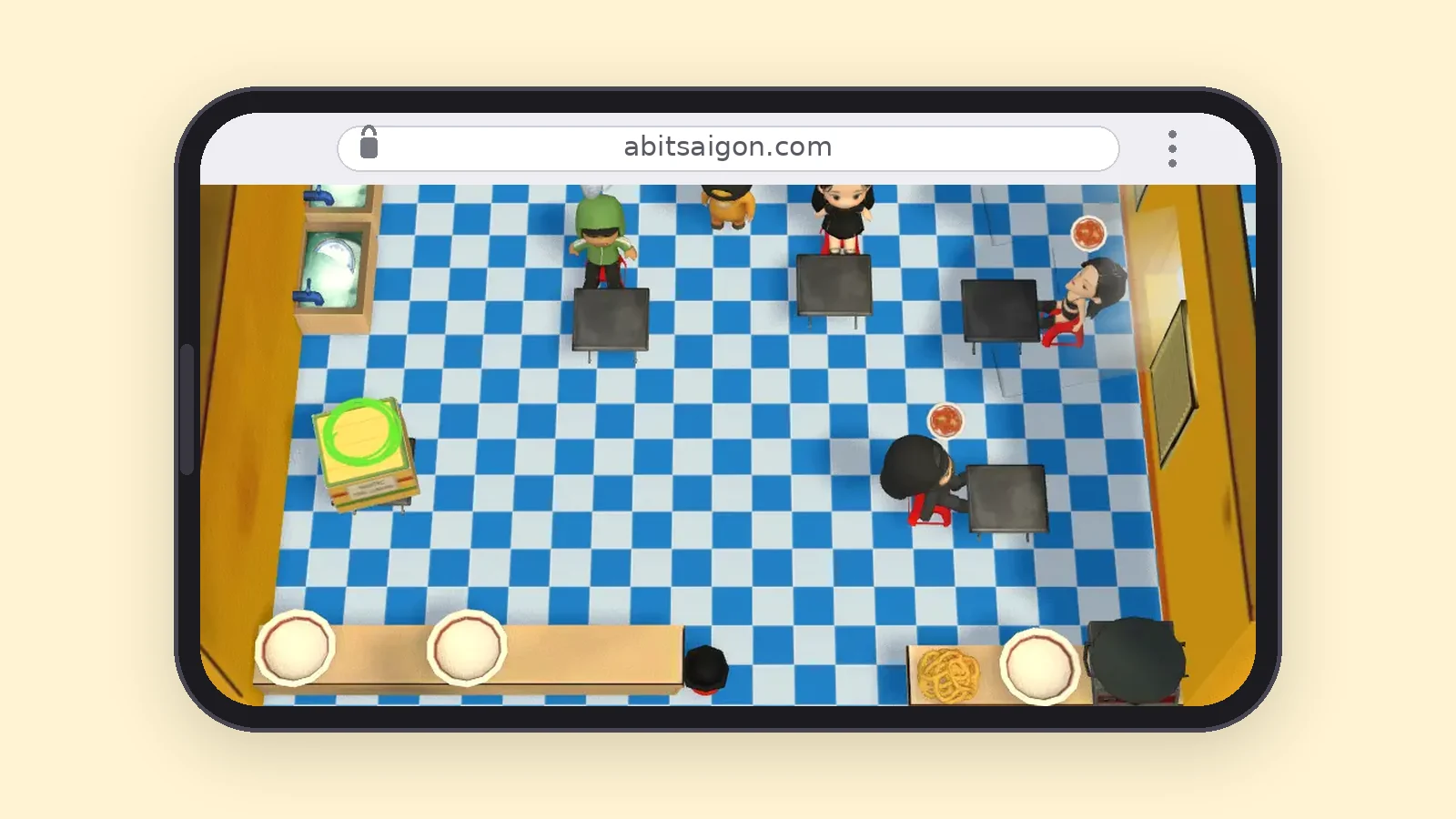
Most "no download" mobile games still end at a store page. This one genuinely does not: it is a web page, so the link is the game.
The address bar is the launcher
Open the link, and the game is there — the same way any web page is there. Nothing is installed, nothing asks for permissions up front, and nothing is left behind on your phone if you decide you do not like it.
That is also why a friend can join in the time it takes to paste a link into a group chat, instead of waiting on a download over someone else’s mobile data.
Things you never have to do
 Find the right app in a store, among ten with similar names
- Free up storage before you can try a game
- Wait for a download and then a patch
- Create an account before you are allowed to see the game
- Pay, subscribe, or watch an ad to keep playing
If you want an app icon anyway
It is a PWA (Progressive Web App), so you can add it to your home screen from the browser itself. It then opens full screen with no address bar, exactly like an installed app, and it is already set to open in landscape.
This is entirely optional. Playing straight in the browser works the same; the home-screen icon just saves you finding the link again.
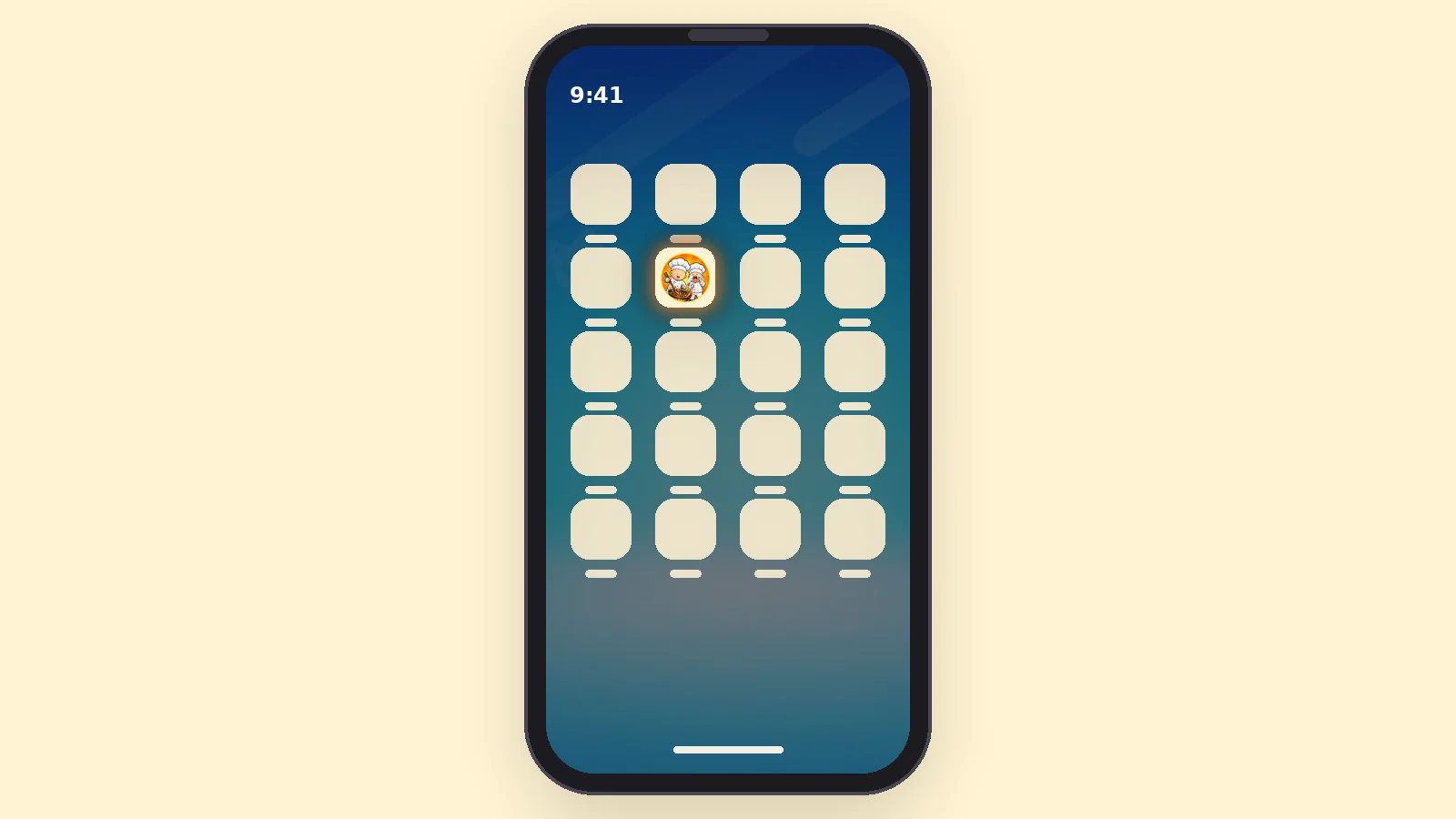
On iPhone / iPad (Safari)
- Open a Bit SaiGon in Safari — it has to be Safari; other iOS browsers cannot install it this way.
- Tap the Share button (a square with an arrow pointing up) in the bottom bar.
- Scroll down and tap "Add to Home Screen".
- Tap "Add" — the icon appears on your home screen and opens full screen, with no address bar.
On Android phones (Chrome)
- Open a Bit SaiGon in Chrome.
- Tap the three-dot menu in the top right.
- Tap "Install app" — or tap "Install" if Chrome is already showing a banner suggesting it.
- Confirm, and the icon appears on your home screen like a regular app.
The catch, stated plainly
A browser game needs a connection, so there is no offline mode — and since the kitchen is built for 2 to 6 people, there is not much to do offline anyway.
It is also a small game still in active development, not a finished release that happens to skip the store.
Frequently asked questions
Is it really playable without downloading anything?
Yes. It runs in the browser already on your phone. The optional home-screen shortcut is not a download either — it is the same web page with its own icon.
Does adding it to my home screen install an app?
It creates a home-screen icon that opens the game full screen, with no address bar and no browser tabs. There is no store account and no app package involved.
Will it use a lot of mobile data?
The first load pulls down the game assets, and after that the connection carries the match itself. Loading it once on Wi-Fi is the sensible way to start.
Is there an APK?
No, and there should not be one. Anything advertising itself as an a Bit SaiGon APK is not from us — the game is the website.
Free, in your browser — no download, no account needed.