 a Bit SaiGon
Playing on a phone, step by step
Everything here is about the phone specifically — the rotation, the tapping, and the two settings worth changing before your first match. The kitchen itself works the same everywhere.
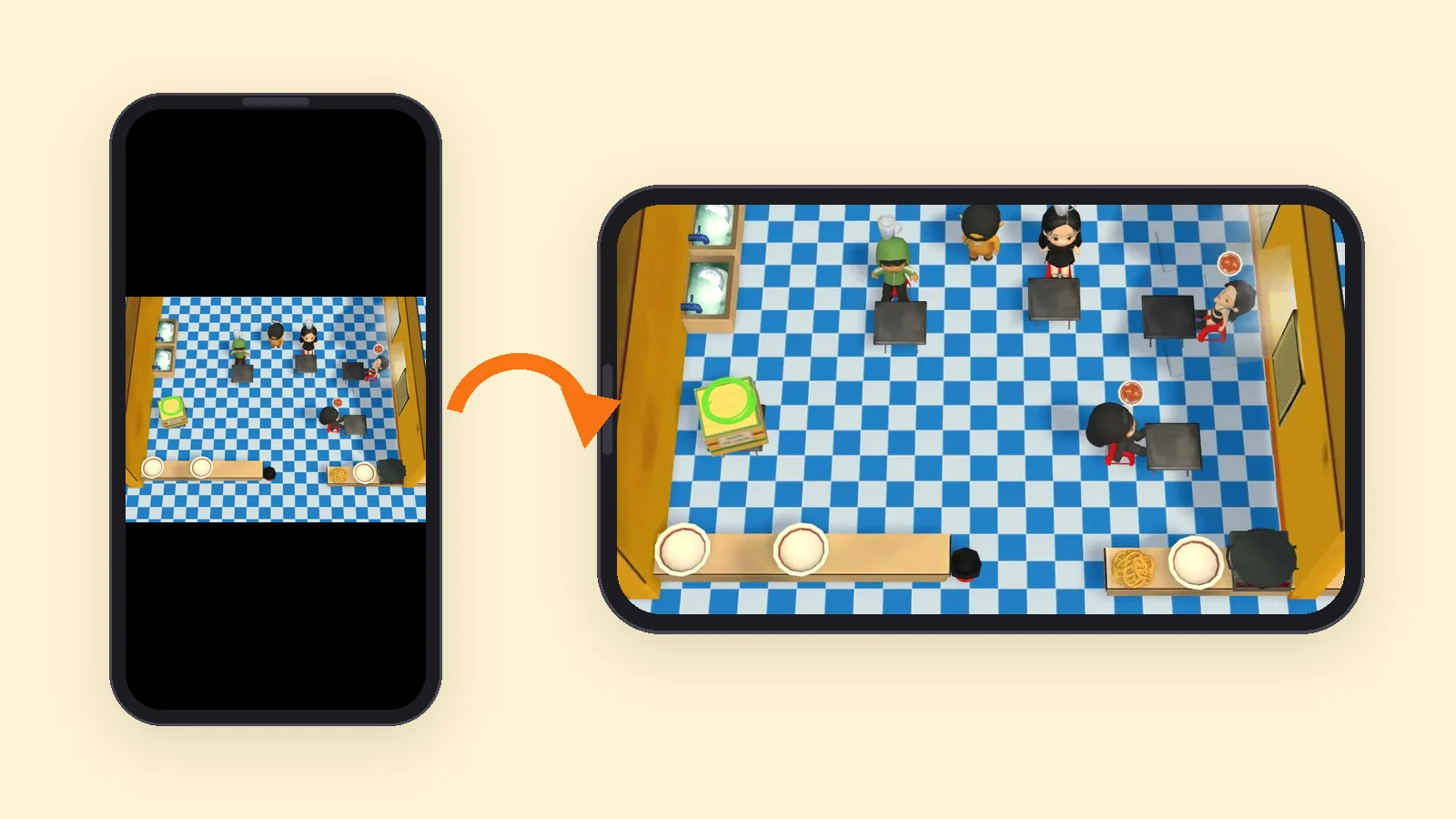
One: hold it sideways
The game is built for a landscape screen. Held upright it asks you once to rotate — tap anywhere to dismiss the reminder, or just turn the phone and it disappears on its own.
If you add the game to your home screen, it opens in landscape by itself and you can skip this step entirely.
Two: tap the floor to walk
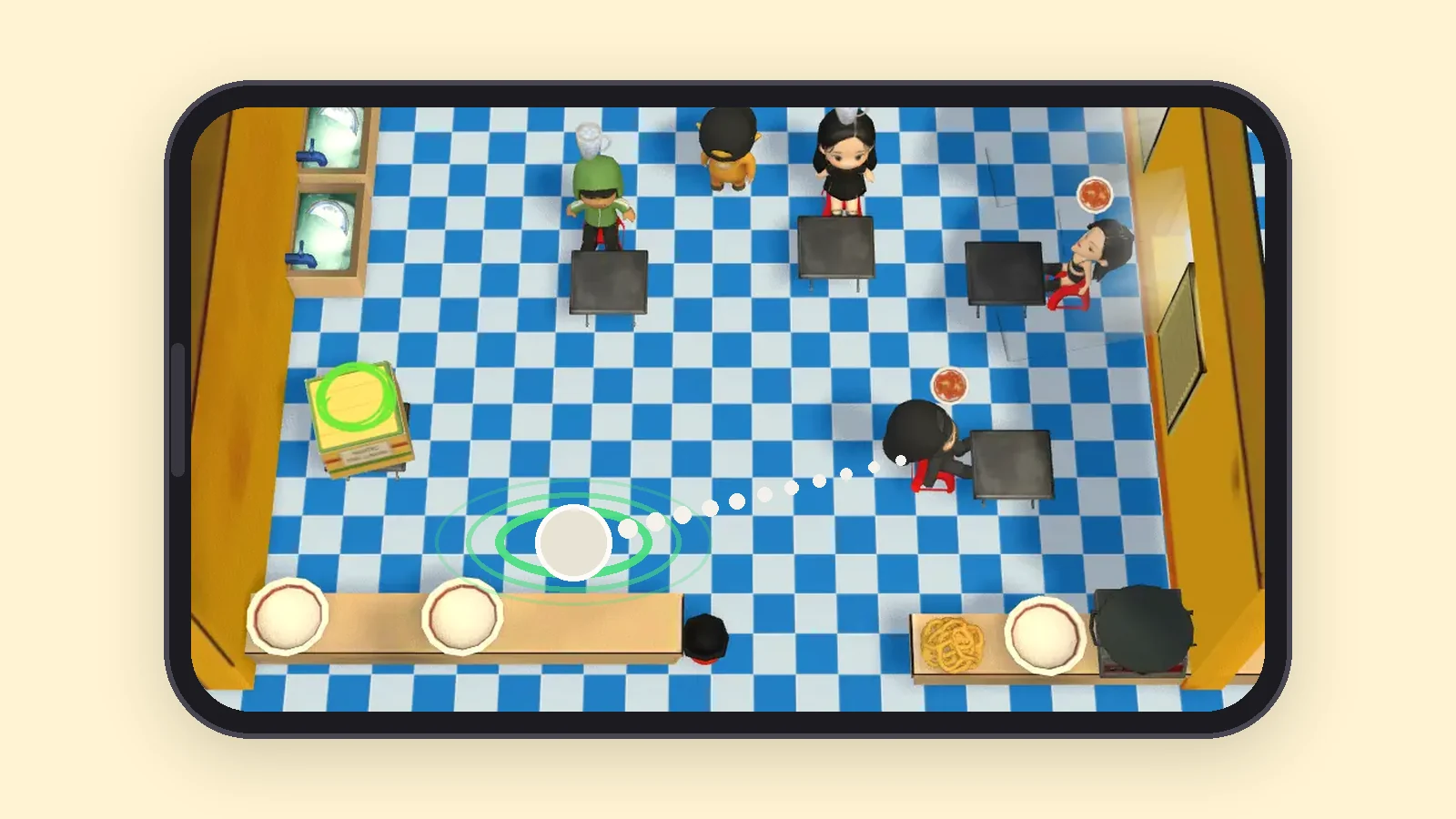
There is no joystick and no button pad. Tap where you want your chef to stand and they walk there; a green ring marks the spot they are heading for.
To use something, walk into it — the chopping board, the pan, the plate stack, the sink, the serving counter. A few stations take two taps: one to start the job, one to collect it when it is done.
Three: read the tickets, then work the stations
- Read the order tickets along the top: each one lists the ingredients that dish needs.
- Take the raw ingredients from the fridge — one tap to walk over, then tap to pick up.
- Prep anything that needs it at the chopping board before it can be cooked.
- Cook at the stove, the grill or the ice box, depending on what the ticket asks for.
- Take a clean plate, build the dish on it, then walk the plate to the serving counter.
- Keep the sink moving — when the clean plates run out, the whole kitchen stops.
- Serve as many orders as you can before the timer ends; the team score decides the stars for that level.
The stations, so you know what you are tapping
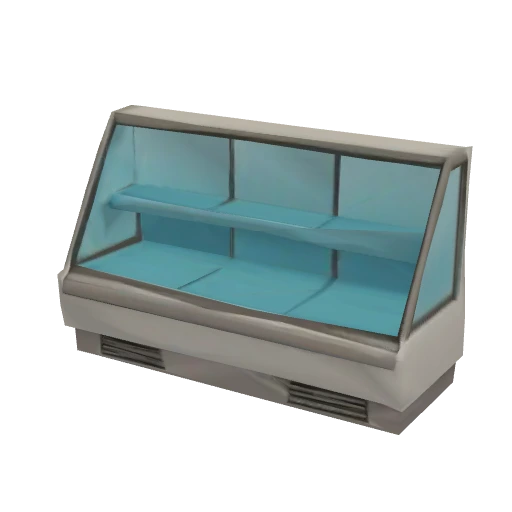 Fridgegrab the raw ingredients an order needs: meat, veg, dough and more.
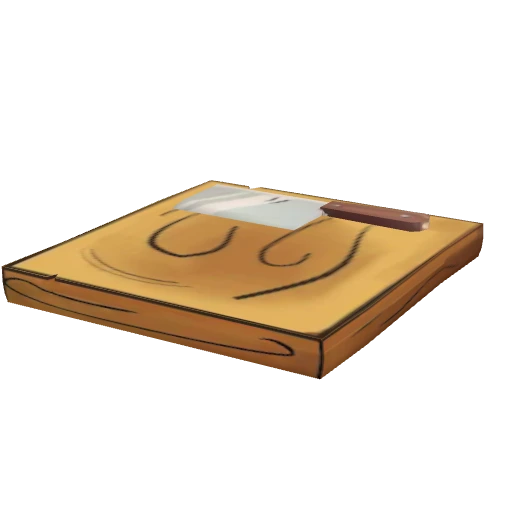 Chopping boardchop and prep ingredients before they can be cooked.
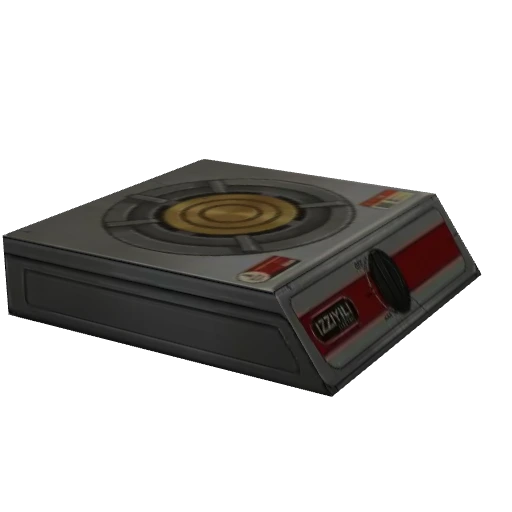 Stovefry and pan-cook ingredients until they are done.
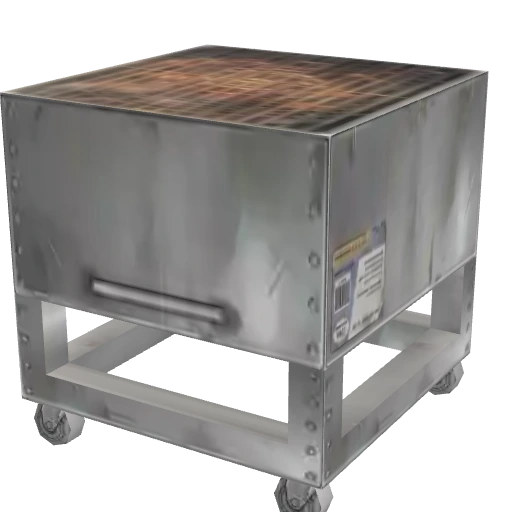 Grillchar meat and skewers over the coals.
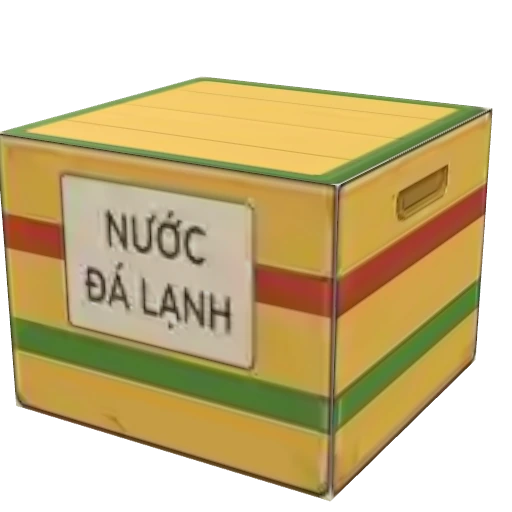 Ice boxpour the cold drinks, like the classic Vietnamese iced tea.
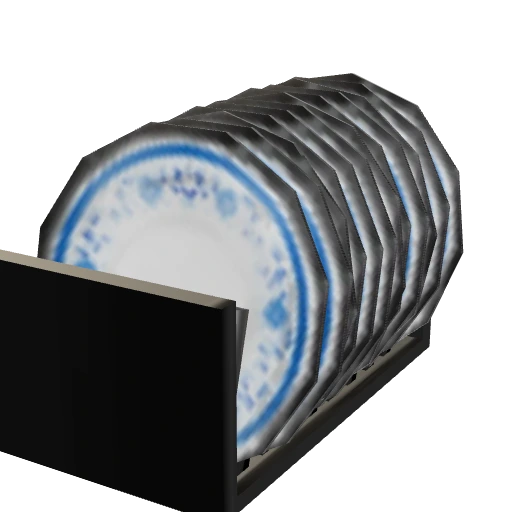 Platestake a clean plate to build each finished dish on.
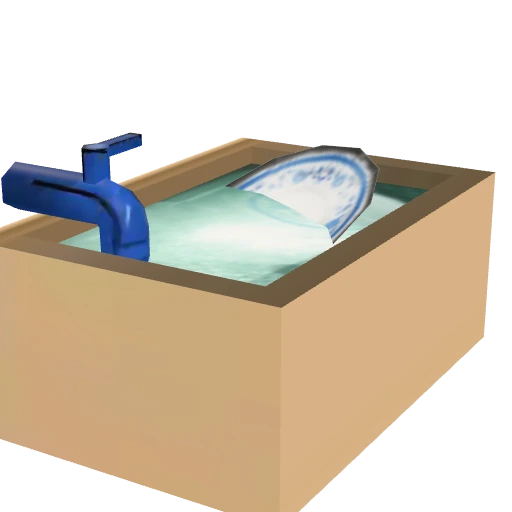 Sinkwash the dirty plates so the kitchen never runs out.
 Binthrow away anything burnt or made by mistake.
What else is on screen
 The guide circle — a green marker over the next useful thing, on by default while you learn the kitchen
 The eye icon next to Pause — switches that guide circle off once you know the place
 The gear icon — sound, render quality, language and microphone all live in one panel
 Render quality — four steps from Low to Max; drop to Low if a match feels heavy on your phone
 Pause — for when somebody calls you mid-rush
Make it open like an app
Adding the game to your home screen makes it open full screen in landscape, with no address bar eating a strip of your kitchen. On iPhone that is Safari’s Share button then "Add to Home Screen"; on Android it is Chrome’s menu then "Install app".
Frequently asked questions
Why does the game ask me to rotate my phone?
The kitchen is laid out for a landscape screen. Held upright it still runs, but it is letterboxed into a strip — turning the phone gives you the full view, and the reminder disappears by itself.
Is there a virtual joystick?
No. Movement is a tap on the floor, and interacting is walking into a station. A few stations take a second tap to collect what you started.
The game feels slow on my phone. What can I change?
Open the gear icon and drop the render quality. Low runs at a lower resolution with no shadows or environment lighting and a 30 FPS cap, which is the setting to try first.
Can I use voice chat from a phone?
Yes. Voice chat is built in, and the microphone and speaker settings are in the same panel behind the gear icon.
How do I stop the browser bar from covering part of the game?
Add the game to your home screen. It then opens full screen in landscape, with no address bar. The add-to-home-screen steps →
Free, in your browser — no download, no account needed.